This page demonstrates how to use the three different image viewer types inline with your content. All viewers support dark mode automatically and respond to keyboard controls (Escape to close). All viewers support dark mode automatically and respond to keyboard controls (Escape to close). All viewers support dark mode automatically and respond to keyboard controls (Escape to close).
Regular Photography
Here's a standard digital photograph that you can zoom and pan:
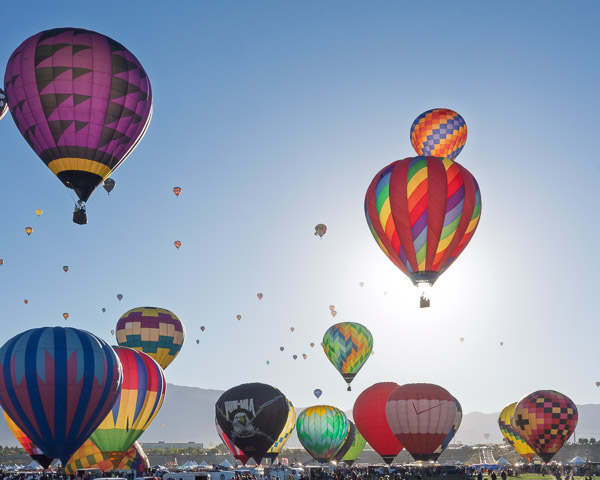
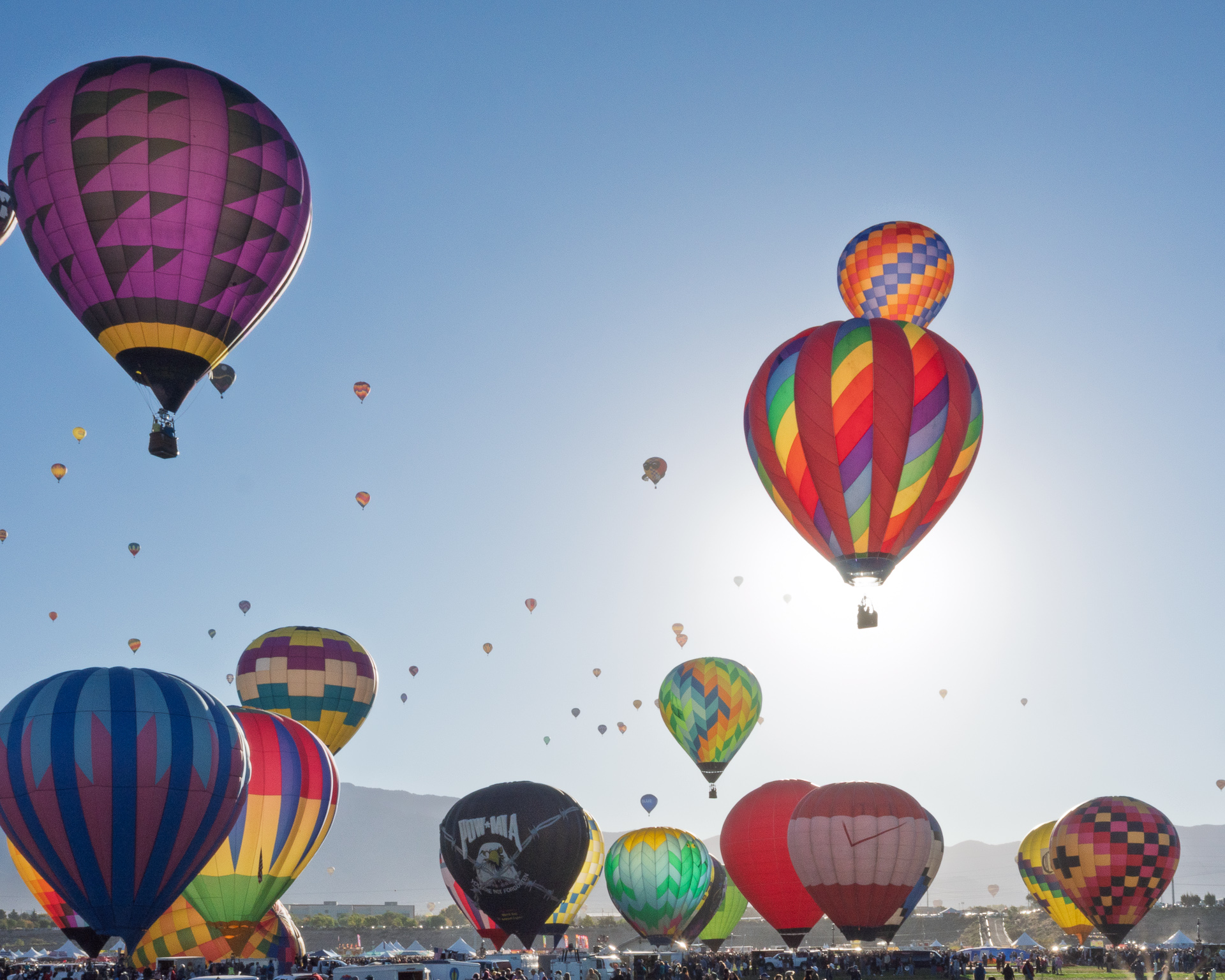
Balloon Fiesta 2025
Morning launch of hot air balloons at the Albuquerque International Balloon Fiesta
You can place images anywhere in your content flow. The viewer opens in fullscreen with zoom controls.
Panoramic Images
Wide panoramas get special treatment with extended panning capabilities:

Bodie Historic
Milkyway over the stamp mill.
Stereo Photography
For 3D stereo pairs, you can view them side-by-side, cross-eyed, or parallel:

Chino Airport
Stereoscopic view with depth perception
Multiple Images in Content
You can mix and match different image types throughout your content:
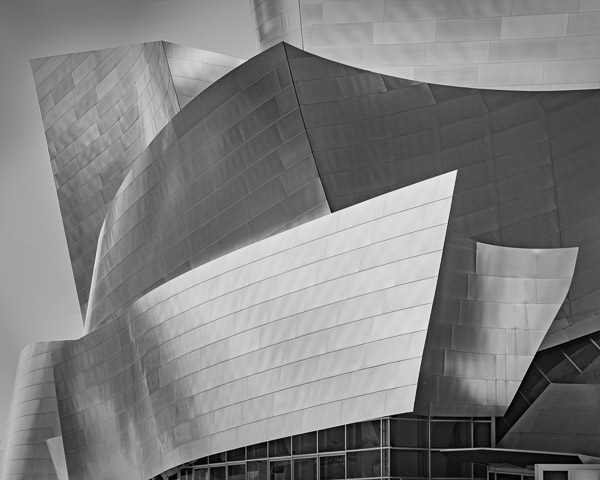
Portrait Shot
Stereoscopic view with depth perception
All viewers support dark mode automatically and respond to keyboard controls (Escape to close).